Amber - Molecular Dynamics Project
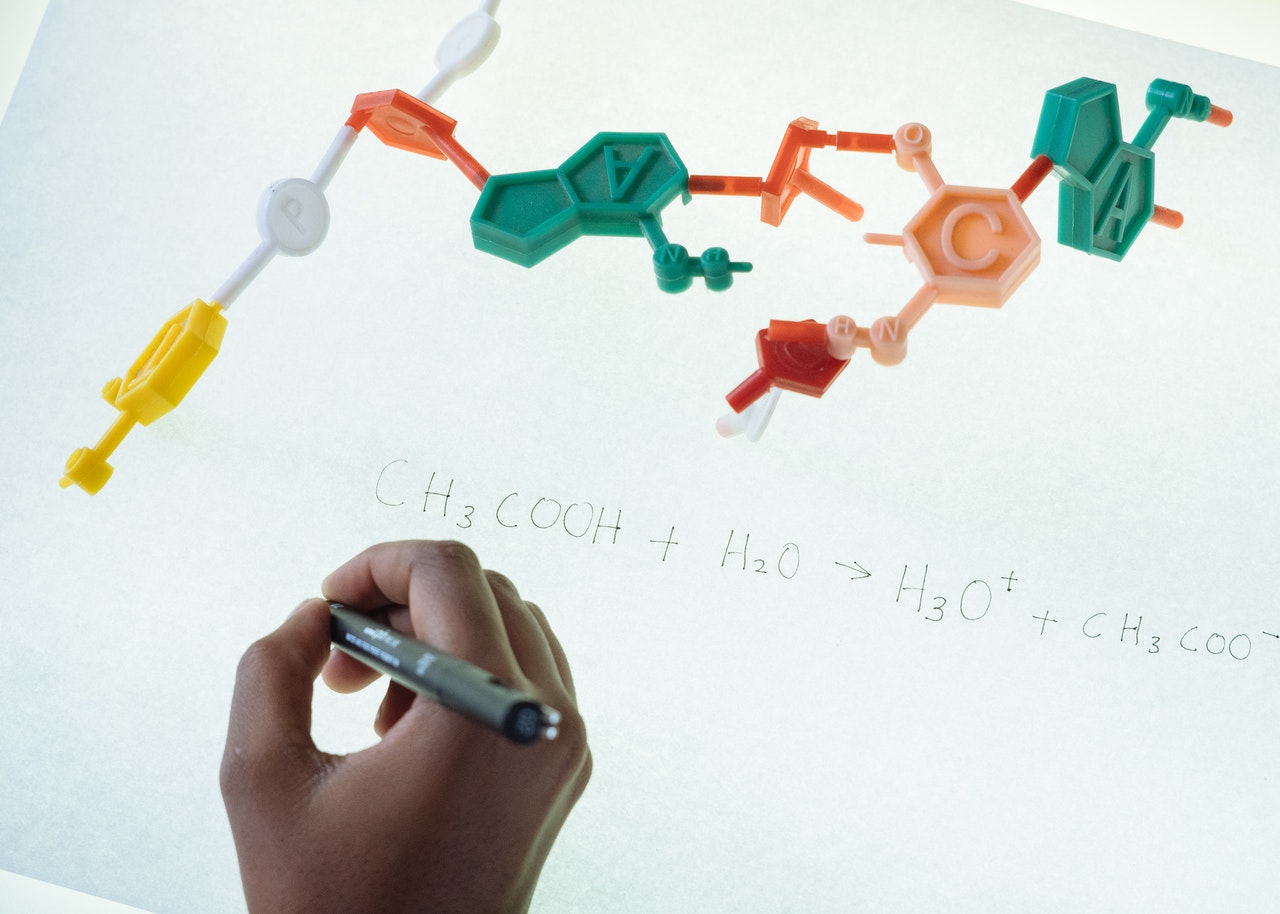
Hi, I’m Lucas Chitolina, and this is my first post 🌱.
I always wanted to show the scaffold of my MSc in Molecular Biology project. I worked with bioinformatics, simulating a protein behavior hypothesis on the computer through a Classical Molecular Dynamics methodology.
The objective of MD simulation is to study the dynamics of a particular system. Since we do an in silico study, we have to suit the environment of our structure as close as possible to the real system. So the core methodology was all about creating scripts and adjusting the right parameters to make the functions work and simulate the biological system properly.
I’ll try to dissect the steps and leave some set of scripts that were used to execute the MD through Amber software. The software works calling statistical and biophysical functions to test a model/problem, and adjusting its parameters was an important part of the job. I hope this material can at least bring you enlightenment about how a software that works through a terminal and the molecular dynamic process itself functionate.
First step: preparing your structure
(i) I prepared the molecules (Receptor and Ligands) through the Chimaera software, to be accepted on antechamber module from amber, which is the second step on the protein preparation. Here are a few references that helped me to set the first step.
- http://dock.compbio.ucsf.edu/DOCK_6/tutorials/struct_prep/prepping_molecules.htm
- http://ambermd.org/antechamber/ac.html
- http://ambermd.org/tutorials/pengfei/
It is possible to run a protein/ligand on antechamber in .pdb format, others in .mol2.
(ii) Antechamber only prepares one molecule at a time. The purpose is to generate a .prepi/mol2 file. A prep or mol2 file are recommended to be used as the intermediate file because they contain abundant information and could be used in LEaP program directly.
antechamber -fi mol2 (ou pdb) -fo prepi -i LIGAND.mol2 -o LIGAND.prepi -c bcc (ou gasteiger) -j 4 -at amber -s 2 -pf -nc (e.g. charge 2.00)
        (-j: atom type and bond type prediction index, 4: atom and full bond type)
        (-c: charge method [bcc or gas])
        (-at: atom type, can be gaff, amber, bcc and sybyl, default is gaff)
        (-s: status information can be 0 (brief), 1 (the default) and 2 (verbose))
        (-pf: remove the intermediate files: can be yes (y) and no (n))
        (-nc: net molecular charge (integer))
(iii) Parmchk2 program to construct an additional frcmod file for the ligand, based on the prepi file, which is necessary on the Leap.
parmchk2 -f prepi -i LIGAND.prepi -o LIGAND.frcmod
(iv) I set the cat command to add each LIGAND. Since my protein had 4, the next (third) ligand would be the Ligand_C; the last and complete is ALL/FULL.
cat Protein_NO_LIGAND_H.pdb LIGAND.pdb > Protein_LIGAND.pdb
(v) The pdb4amber is a cleaning process to better suit the model for the processes of Leap, Energy Minimization and Molecular Dynamics.
pdb4amber -i Protein_LIGAND_ALL.pdb -o Protein_LIGAND_ALL_clean.pdb #to clear pdb for DM use
(vi) Leap.in step
Second step: LEaP
The name LEaP is an acronym constructed from the names of the older AMBER software modules it replaces: link, edit, and parm. Thus, LEaP can be used to prepare input for the AMBER molecular mechanics programs. On this step we bring each .prep and .frcmod files from the ligands and merge them with the cleaned protein.
##LEAP -s -f leap.in > leap.out

source leaprc.protein.ff14SB #Source leaprc file for ff14SB protein force field

loadamberprep ../NAD_C/NAD_C.prepi #Load the prepi file for the ligand
loadamberprep ../NAD_D/NAD_D.prepi
loadamberprep ../NAD_A/NAD_A.prepi
loadamberprep ../NAD_B/NAD_B.prepi

mods=loadAmberParams ../NAD_C/NAD_C.frcmod #Load the additional frcmod file for ligand
mods=loadAmberParams ../NAD_D/NAD_D.frcmod
mods=loadAmberParams ../NAD_A/NAD_A.frcmod
mods=loadAmberParams ../NAD_B/NAD_B.frcmod

source leaprc.water.tip3p

mol = loadpdb ../NAD_A/Protein_LIGAND_ALL_CLEAN.pdb #Load PDB file for protein-ligand complex

solvatebox mol TIP3PBOX 10.0 #Solvate the complex with a cubic water box

#addions mol Cl- 7  #Add Cl- ions to neutralize the system

saveamberparm mol Protein_LIGAND.top Protein_LIGAND.crd #Save AMBER topology and coordinate files

SavePdb mol Protein_LIGAND_BOX.pdb

quit
Third step: A small Molecular Dynamics step and an Energy Minimization
(i) We make a quick MD process to balance the water box density (created on the leap) for 1 nanosecond, while the protein is kept rigid. (It is composed of two main files, an executable bringing the protein files and an input with the function parameters).
##Balancing Box Density (water) for 1 ns (only the protein is rigid) - .e

mpirun -np 8 $AMBERHOME/bin/pmemd.MPI -O -i mdcp_00.in \
 -p ../01_LEAP/Protein_LIGAND.top \
 -c ../01_LEAP/Protein_LIGAND.crd \
 -o mdcp_00.out \
 -x mdcp_00.crd \
 -r mdcp_00.cav \
-ref ../01_LEAP/Protein_LIGAND.crd

## Balancing Water Box Density for 1 ns (H2O AMBER only) - .in
 &cntrl
    imin=0, ntx=1, irest=0, ntrx=1,
    ntxo=1, ntpr=250,
    ntwr=250, iwrap=0, ntwx=250, ntwv=0, ntwe=0,
    ioutfm=0, ntwprt=0, idecomp=0,
    ibelly=1, ntr=0, bellymask=':1076-30643',
    nstlim=500000, nscm=1000, t=0.0, dt=0.002, nrespa=1,
    isgld=0, tsgavg=0.2, tempsg=1.0, sgft=0.0, isgsta=1, isgend=1,
    ntt=1,temp0=298.16, tempi=10.0, ig=71277, tautp=1.0, gamma_ln=0, vrand=0, vlimit=20.0,
    ntp=1, pres0=1.0, comp=44.6, taup=2.0,
    ntc=2, tol=0.00001,jfastw=0,
    ivcap=0,
    ntf=2, ntb=2, dielc=1.0, cut=9.0, nsnb=25, ipol=0, ifqnt=0,
    igb=0, ievb=0,
 /
 &ewald
    verbose=0, ew_type=0, nbflag=1, use_pme=1, vdwmeth=1, eedmeth=1, netfrc=0,
(ii) Energy Minimization process: before starting the DM simulations, the system must be minimized to eliminate bad contacts between atoms. Energy minimization, also known as optimization of geometry, is a technique that aims to find a set of coordinates that minimize the potential energy of the system of interest. We start the minimization process at first with K=25Kcal/mol/angstroms decaying the last step with K=0Kcal/mol/angstroms.
#file.e

# with K=25Kcal/mol/angstroms

mpirun -np 16 $AMBERHOME/bin/sander.MPI -O -i mini_00.in \
-p ../01_LEAP/Protein_LIGAND.top \
-c mdcp_00.cav \
-o mini_00.out \
-r mini_00.rst \
-ref mdcp_00.cav \

# with K=20Kcal/mol/angstroms
mpirun -np 16 $AMBERHOME/bin/sander.MPI -O -i mini_01.in \
-p ../01_LEAP/Protein_LIGAND.top \
-c mini_00.rst \
-o mini_01.out \
-r mini_01.rst \
-ref mini_00.rst
...

#file.i (0 to 5 files)

##1ENY_NADH Minimization. NTR=1 Restraint = 25.0
 &cntrl
    imin=1, nmropt=0,
    ntx=1, irest=0, ntrx=1,
    ntxo=1, ntpr=50,
    ntwr=50, iwrap=0, ntwx=50, ntwv=0, ntwe=0,
    ioutfm=0, ntwprt=0, idecomp=0,
    ibelly=0, ntr=1, bellymask=':0', restraint_wt=25.0, restraintmask=':1-1076',
    maxcyc=200, ncyc=100, ntmin=1, dx0=0.01, drms=1.0E-4,
    ntc=2, tol=0.00001, jfastw=0,
    ivcap=0,
    ntf=2, ntb=2, ntp=1, dielc=1.0, cut=9.0, nsnb=25, ipol=0, ifqnt=0,
    igb=0, ievb=0,
 /
 &ewald
    verbose=0, ew_type=0, nbflag=1, use_pme=1, vdwmeth=1, eedmeth=1, netfrc=0,

...
Fourth step: Heating and Production
(i) The Heating process is about slowly heating the system up over 50 ps in a total of 7 stages. To equilibrate the temperature in stages reduces the chances that the system will blow up by allowing it to equilibrate at each temperature, it is necessary to heat the system to approximate it to the biological conditions.
#file.e

export CUDA_VISIBLE_DEVICES="1"

## DM 10 K to 50 K in 200 ps
$AMBERHOME/bin/pmemd.cuda -O -i mdcp_01.in \
 -p ../01_LEAP/Protein_LIGAND.top \
 -c ../02_EMIN/mini_05.rst \
 -o mdcp_01.out \
 -r mdcp_01.cav \
 -x mdcp_01.crd \

## DM 50 K to 100 K in 200 ps
$AMBERHOME/bin/pmemd.cuda -O -i mdcp_02.in \
 -p ../01_LEAP/Protein_LIGAND.top \
 -c mdcp_01.cav \
 -o mdcp_02.out \
 -r mdcp_02.cav \
 -x mdcp_02.crd \
 ...

#file.i (1 to 7 files)

## Molecular Dynamics Warm-Up 10 K - 50 K - in steps of 50 K por 200 ps.
 &cntrl
    imin=0, ntx=1, irest=0, ntrx=1,
    ntxo=1, ntpr=500,
    ntwr=500, iwrap=0, ntwx=500, ntwv=0, ntwe=0,
    ioutfm=0, ntwprt=0, idecomp=0,
    ibelly=0, ntr=0, bellymask=':1-1', restraint_wt=100.0, restraintmask=':1-1076', #not used
    nstlim=100000, nscm=1000, t=0.0, dt=0.002, nrespa=1,
    isgld=0, tsgavg=0.2, tempsg=1.0, sgft=0.0, isgsta=1, isgend=1,
    ntt=1,temp0=50.0, tempi=10.0, ig=213831, tautp=1.0, gamma_ln=0, vrand=0, vlimit=20.0,
    ntp=1, pres0=1.0, comp=44.6, taup=2.0,
    ntc=2, tol=0.00001,jfastw=0,
    ivcap=0,
    ntf=2, ntb=2, dielc=1.0, cut=9.0, nsnb=25, ipol=0, ifqnt=0,
    igb=0, ievb=0,
 /
 &ewald
    verbose=0, ew_type=0, nbflag=1, use_pme=1, vdwmeth=1, eedmeth=1, netfrc=0,
...
(ii) The Production stage must be run using the same conditions as the final phase of equilibration (heating) to prevent an abrupt jump in the potential energy due to a change in simulation conditions, this process products the data that usually is going to be most analyzed more deeply.
#file.e (10ns to 100 ns)

export CUDA_VISIBLE_DEVICES="1"

## Production from 10.0 ns to 20.0 ns. NetCDF (.ncf) for restart and trajectory files.
$AMBERHOME/bin/pmemd.cuda -O -i mdcp_010ns_100ns.in \
 -p ../01_LEAP/Protein_LIGAND.top \
 -c mdcp_07.cav \
 -o mdcp_010ns-020ns.out \
 -r mdcp_010ns-020ns.cav \
 -x mdcp_010ns-020ns.ncf

 ...

#file.i

## Production at 298.16 K in blocks of 10.0 ns. (ntxo = 2, restart in NetCDF). ioutfm = 1 (NetCDF writing).
 &cntrl
    imin = 0, ntx = 5, irest = 1, ntrx = 1,
    ntxo = 2, ntpr = 500,
    ntwr = 500, iwrap = 0, ntwx = 500, ntwv = 0, ntwe = 0,
    ioutfm = 1, ntwprt = 0, idecomp = 0,
    ibelly = 0, ntr = 0,
    nstlim = 5000000, nscm = 1000, t = 0.0, dt = 0.002, nrespa = 1,
    isgld = 0, tsgavg = 0.2, tempsg = 1.0, sgft = 0.0, isgsta = 1, isgend = 1,
    ntt = 1,temp0 = 298.16, tempi = 298.16, ig = 213831, tautp = 1.0, gamma_ln = 0, vrand = 0, vlimit = 20.0,
    ntp = 1, pres0 = 1.0, comp = 44.6, taup = 2.0,
    ntc = 2, tol = 0.00001, jfastw = 0,
    ivcap = 0,
    ntf = 2, ntb = 2, dielc = 1.0, cut = 9.0, nsnb = 25, ipol = 0, ifqnt = 0,
    igb = 0, ievb = 0,
 /
 &ewald
    verbose = 0, ew_type = 0, nbflag = 1, use_pme = 1, vdwmeth = 1, eedmeth = 1, netfrc = 0,
 /ps
Fifth step: CPPTRAJ and Analysis
CPPTRAJ is the main program in Amber for processing coordinate trajectories and data files. Trajectories with different topologies can be processed in the same run. So we call it to process all our data from heating and production and create a ensemble of the proteins that shows all the dynamic behavior of our enzyme to these steps.
Processing the Heating and Production files
#01 Fixing the periodicity of the simulation box.
cpptraj  Protein_LIGAND.top << EOF
trajin   ../mdcp_*.crd
trajin   ../mdcp_*.ncf

center :1-1076
image

trajout   mdcp_000ns-100ns_BoxFit.ncf netcdf		!Output also in netCDF format, cre is default.

EOF

#02  PDBs from a NetCDF trajectory file

cpptraj  Protein_LIGAND.top << EOF
trajin   mdcp_000ns-100ns_BoxFit.ncf 1 10000 20

#reading from 1 to 10000 and save every 20 frames
#strip :Na+
strip :WAT

trajout   mdcp_000ns-100ns_Protein_LIGAND.pdb pdb			! P is the protein; N is the coenzyme

EOF
So, these are the steps of the steps of my Molecular Dynamics project applied to the InhA enzyme from Mycobacterium tuberculosis. The next steps are related to the data analysis (statistic and plot analysis). I hope you enjoyed the quick travel around the world of molecular biology and bioinformatics. I can’t show you the whole scripts and processes, because it would bring much more data and steps, like I said, this is the core. If you wanna see a bit more of the files, you can visit the repository: https://github.com/Chitolina/AMBER_MD